Simple tactics for your homely gadgets to boost up

WAYS BY WHICH YOU CAN MAKE YOUR PC RELIABLE AND MULTI-FUNCTIONING ESPECIALLY YOUR LATEST VERSION OF WINDOWS 10

Laptops and computers are the favorable gadgets for remote places to work, entertain, play games and much more. Note a point that nearly 9 out of 10 people in every society and neighborhood own their piece of this tech all over the world. It helps you in many ways of business, entertainment, virtual meeting and much more utilities. 

It can be a boon or bane depending on the purposes it is used and in this hectic world without a computer it is not an easy task to spend even a single minute as the life cycle has started running on this online and technology platform already. This may suit any professional or beginner working at home with your school or office projects. 
As your every schedule is online from school till extra-curricular activities like dance, drawing etc. Imagine a situation in this pandemic without a PC on your own. You will have to hang out on mobiles but not all the work can be done simultaneously at once like a PC anyway. As it may lead to mental depression and frustration of delay in your task assigned that has to be completed beforehand. 

Situations are similar like I’ve described above as at those occasions you have to wander for help to complete your work with someone else’s property.

It has become a necessity that as the system of life and roles of every position/job changes you have to cope up and adopt these items even if you are reluctant about it.

So, after working for long hours like humans, computers also slow down its speed of processing things. Generally in advance we encounter them often for our simultaneous tasks done at the same time. Hence there are some simple ways where you can make them active or energize them to regain their performance speed and generate outputs fer your inputs.

Let me list down some basic ways that help you out in opting/selecting a appropriate way to enhance your CPU or processor it its utmost fastness

  1. Keep a track on upgrades for your PC for software or drivers  

You might notice that your version of any feature/tool inside our gadget gets outdated often, so downloading recent releases of it helps it to run faster thus avoiding the arena of entering troubleshoots. Especially for Windows 10 you need to update versions here and there so it won’t disable automatically. 

Just get the Start button on your left corner then choose the settings option available in the menu where you get a main page so there you can find Update & Security choice under that you can look out for your esteemed Windows updates where it automatically checks whether your PC needs to be updated or not.

If you are up to date leave it or install the categories you require by selecting them.

  1. Use only the required ones and restart often

It is important that you refresh before you start working on it as it randomly speeds up by refreshing. Work only on the plugins that you need instead of starting every API in your computer that will make your system get hung or struck off. If you feel like your PC is not up to that efficient earlier restart several times until it gets back to the previous speed it was earlier. 

Don’t let more files run in your background as it affects the functionality of the RAM and processor speed eventually. Still, you don’t find your issue solved, enter Troubleshoot settings under the type troubleshoot where the program diagnoses your troubles and receives your opinion to sort it out.

  1. Optimize and enhance your space on disk

Hence if you don’t get resolved under the above criteria try to view the empty space on your computers, if is low free some spaces by uninstalling some contents that haven’t been used for years. Also optimize and clean your CPU or in-built CPU with some apps that totally stops its working. These temporary files are the prompt trouble makers so literally remove them totally by deleting or disabling them.

So, these are my own simple steps to make your personal PC or laptops run faster and flexible up to your requirement. These will really help you out as I have tried them multiple times under my supervision that give better results/ came out perfect.

 If you know any way to customize so to reduce the load on your PC’s definitely you can. All these ways can also be used under the latest, advanced version (Windows 10) as it gave me a fruitful result again and again obviously.  

BEST WINDOWS 10 APPS TO USE IN 2021

                                     TOP 7 CATEGORISED APPS USED IN PC THAT HAS BEST BENEFITS

Applications enhance and reduce the manpower in every place providing better services online. These apps help the user to experience the online world inside a device/gadget. Each module has a specification unique from others even though if they are used for same purpose. Whereas in the case of laptops or computers, from entertainment till animation various things can be created, explored and viewed in them.

 In fact, a helping hand in the virtual environment during this pandemic. It is very simple to cover all the applications that became the best use for windows in the present year. So let me brief each app one by one according to my preference.

  1. Microsoft Office 365

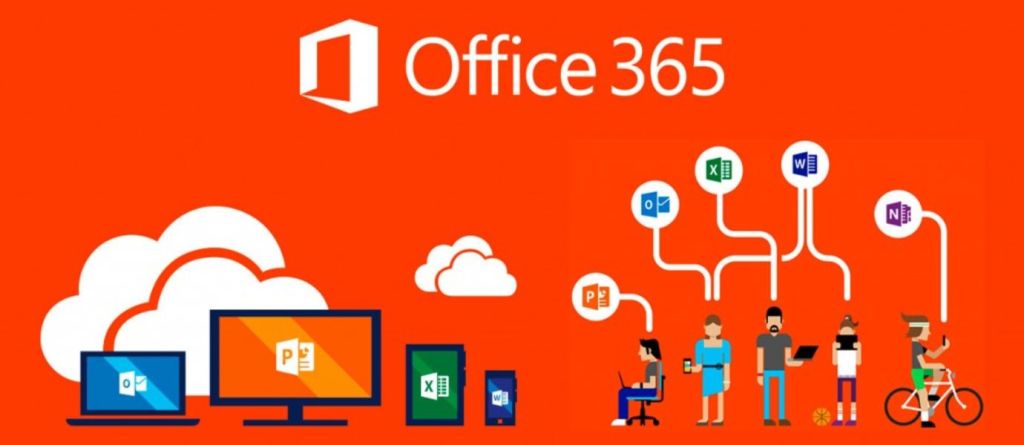
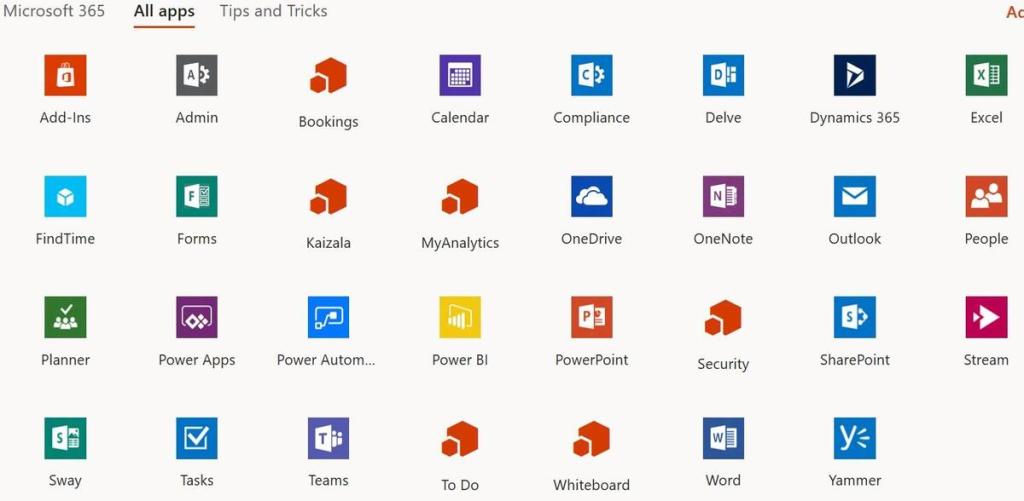
The first ever application that can be used for a large scale of domestic and commercial purposes simultaneously. This package offers seven splendid apps inside in where each one is prone for different activities from kids to elders. Each app has a specialty on its own and a very genuine application created by Microsoft organization.

The usage of each one is unique that makes us to astonish associated with the programming of it. This package is a primary one and does not require any special feature like graphics, designing.

 This package is now handy as we can use them in mobiles from anyplace with a network alone. The fact is it also available in three different versions (Mac, iOS, Android) excluding Windows. These apps help in creating data, storing them, manipulating and compiling different data and documents. But the subscription has to be paid as it is not free of cost to utilize.

Word – to create documents, and publications.

PowerPoint – to organize and combine data including formulas. Also, for handling them.

Excel – to store, arrange and handle data

OneDrive – to store documents and things online

OneNote – to group data you collect including notes, drawings, screen shots, audio files, and much more.

Publisher – to create extensive posters, menu and publications.

Outlook – to manage email and to do lists, and contacts.

Access – to combine and group a huge data.

  • myTube

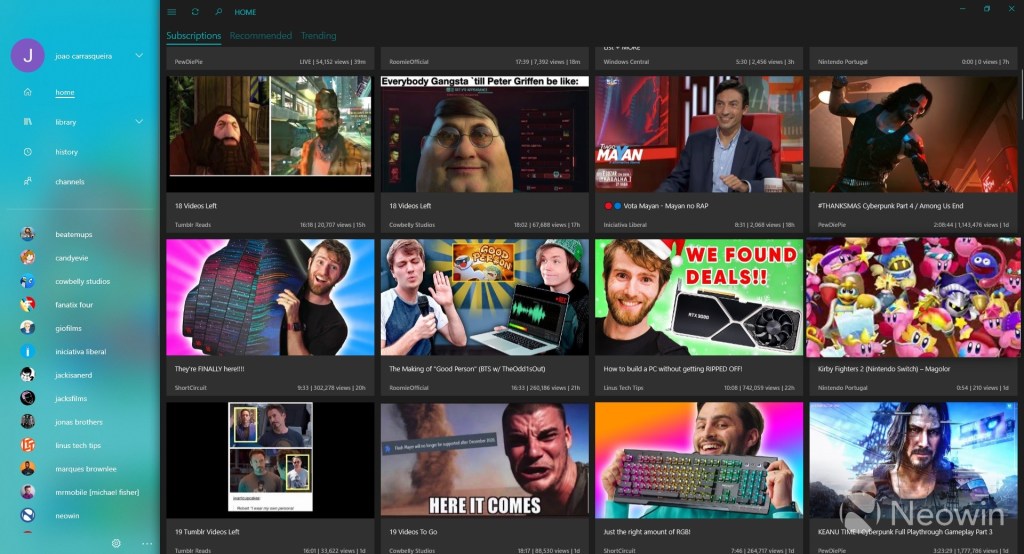
This is user-friendly and has no restrictions upon any age of people using it. myTube is a third-party YouTube client. Because YouTube doesn’t always play nicely with third-party developers, myTube often comes with problems and issues.

Also, it is available at free of cost in Store of Microsoft platform in which your videos can be saved and comments can be made while watching random videos.

It makes controlling the app and navigating it easily as it is also a multi-tasking.

 More features are to be added, but even if the public release was just a stable, it’d still be the excellent way to watch YouTube videos on Windows platform.

  • Netflix

This is a huge entertainment platform where people can experience a lot web series and TV shows that go through different journals like horror, sci-fi, thrilling etc. One of the most popular application among youngsters nowadays. This application is totally free but do require subscription to be paid.

There are different languages for all TV shows so it will be comfortable for viewers to watch shows in their favorite language. This application has movies and a lot more comprised inside that will be an attractive and mesmerizing as well as stress buster for people.

This will ease your time away as you browse through several shows and categories in it. Even a family entertainer based on each one’s priority. It provides services at ultra-HD clarity so users need not worry about it.

  • Spotify

It is a digital library that allows us to access to n-number of songs and work from other people related to music and video. This is also a user-friendly and free of cost application but certain services need to be paid if you are in the urge to use them.

Spotify can be used in various range of devices but the podcasts or music can be taken to external from other than their own platform as it is restricted for users

  • ExpressVPN

VPNs are used to protect private web traffic from snooping, interference, and censorship. ExpressVPN is a paid VPN service that provides privacy and security while exploring the online world with our device. The application is totally free but needs a subscription for the services to be used.

This is a highly securitized app that can hold all your private passwords secretly while in indoors or roaming. You can feel safe with this module as it and user friendly also. Also works in Windows, Mac, iOS, Android, Linux and router.

  • PowerToys

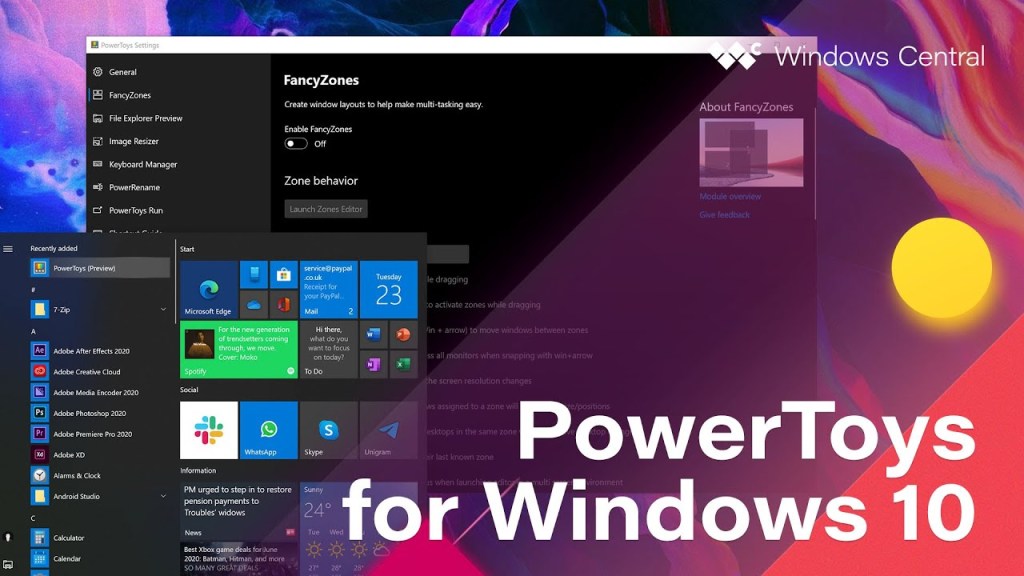
PowerToys is similar to Microsoft Office packages but they are different in their functions that works on the software itself.  It is a highly specialized that create themes, background screens, layouts, changes the theme of our layout in the keyboard also resizes the pictures instantly. It also works like a booster in launching apps, replacing a file’s name.

Microsoft PowerToys is a set of freeware system tools that is developed by Microsoft themselves to work on Windows operating system for power users at high efficiency. It is a open source software are no cost application that works for old versions for windows also which has been hosted by GitHub the platform for programmers.

  • Reddit

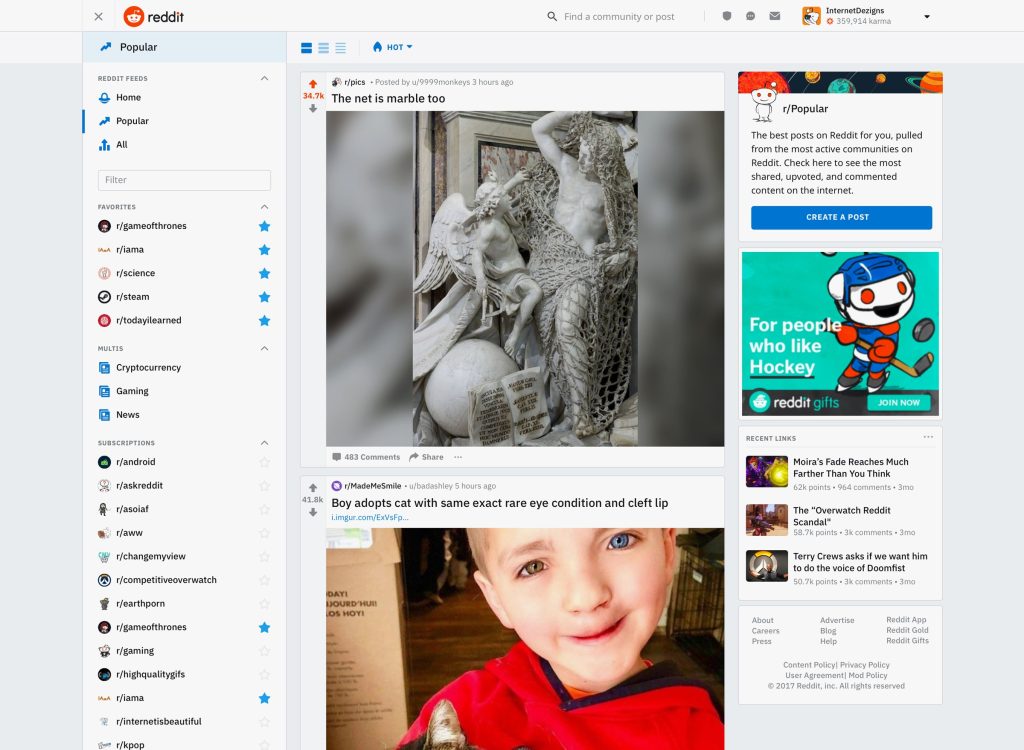
Reddit is a Universal Windows Platform (UWP)app so that you can browse with ease and with fastness of the application associated with UI. The either side of the screen can be used to view post and comment on them, and you can manage to change the settings accordingly to your wish. If you start exploring this platform will become your default browser and all-time favorite.

This software comprises the facility for blind and low vision where they can import things and change the style of it to the format that can be viewed and read in a simple manner.

Also available in all types of devices and platform that is free of cost and user-friendly in all occasions. Includes scanning documents and uploading facility also.

I have given my best reviews about all the applications I have listed hope you will found useful reading my content as it may provide you the details the others won’t be given.