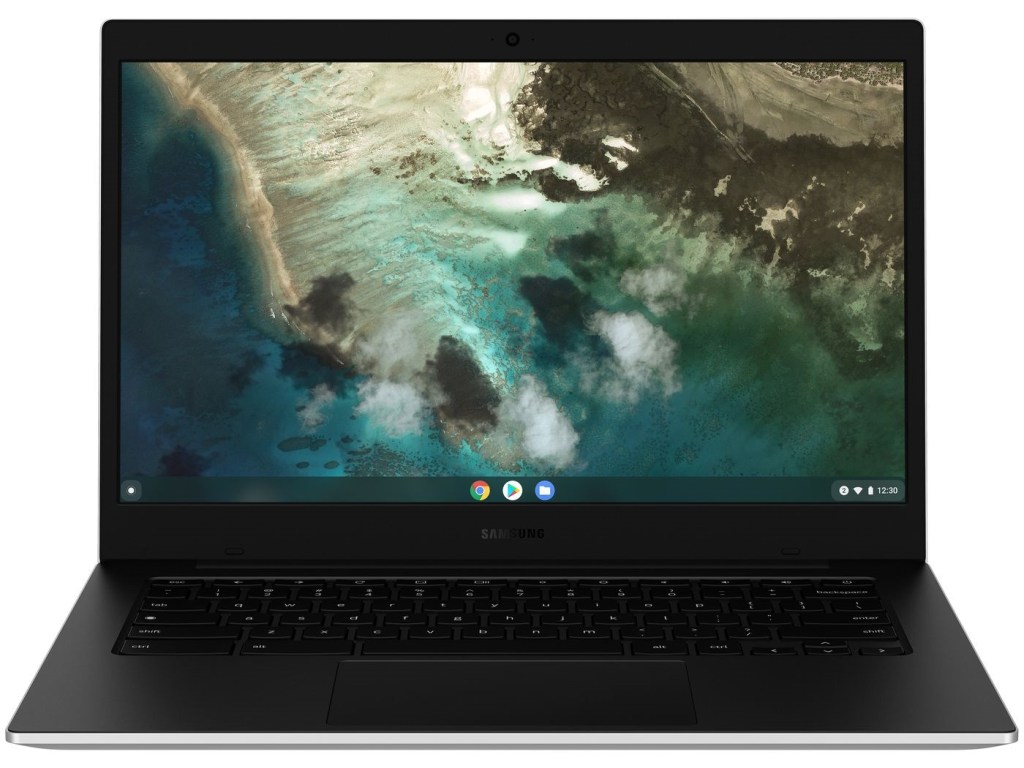
The Galaxy Chromebook Go launched on Samsung’s website last month as a new cheap Chromebook from the company. There were still a lot of unknown facts regarding the 14-inch tablet, other than a few specifications and pictures. The notebook is now official and may be purchased.
While just the Wi-Fi variant will be available on Thursday, Samsung plans to release an LTE version in the following weeks, which could be a great bonus for on-the-go web browsing.
Galaxy Chromebook Go.
The low pricing of the Galaxy Chromebook Go appears to be reflected in its features. It has a 14-inch 1366 x 768 HD display, which is a significant downgrade from the Galaxy Chromebook 2’s 4K OLED panel. It also has an Intel Celeron N4500 CPU and 4GB of RAM, which won’t set the world on fire but should suffice for everyday Chrome use.
Two USB Type-C connectors, a USB 3.0 port, and a headphone-out/microphone-in combination port are included on the Galaxy Chromebook Go. The Chromebook boasts a military-grade construction and weighs only 3.2 pounds, according to Samsung (1.45kg). The island-style keyboard is spillproof and can withstand the odd drop. There are two 1.5W speakers included, as well as Wi-Fi 6 which is significantly quicker.
Samsung says that the Galaxy Chromebook Go’s 5480mAh battery would last 12 hours on a single charge, which is impressive compared to the Chromebook 2’s seven-hour battery life (in our tests) but is likely due to the changes in display and CPUs.
The Galaxy Chromebook Go is already available for purchase on Samsung’s website for $299. You may get it for as little as $129.99 if you have a device that can be traded in. An LTE version will be available shortly, according to Samsung.
Right to repair is a proposed legislation/movement that allows consumers the ability to modify and repair their own electronic devices.
Planned obsolescence is the practice when goods are manufactured with a pre-determined expiry date aimed at forcing consumers into repeat purchases. The term was first termed in the 1950s by American industrial designer Brooks Stevens. This practice was introduced in the advent of mass-produced manufacturing at the start of the 20th century. But the practice was not as severe and prevalent as it is in recent years. One of the recent changes in the product design has been to make the goods very hard for end consumers to repair.
For instance smartphones, a couple of years back had a user-replaceable battery but with more features crammed into the chassis of a phone. Manufacturers have not only made it unnecessarily difficult to replace the battery but also to even open the panels of smartphones. With the recent MacBook Pro releases, Apple has soldered the SSD (Solid State Drive) on the motherboard. The reasoning for justifying the soldering by Apple is better reliability and the thinness of the laptops. But there is also another aspect. Apple’s business model is about selling laptops and not upgrading the systems. Upgrading an SSD can be a potential loss for them and to counter that Apple might have decided to make the laptop non-upgradable. The problem is that even SSDs are definitely much more reliable than mechanical hard disks but SSDs still fail and combining them with the motherboard means that if one of the two fails, the whole system fails. This also makes it much more difficult for end-user to repair their laptop. It also becomes a problem for the third-party repair business to access the repairing of these devices. This is just one of the instances of how access to repair is being restricted by the manufacturers but various companies are attempting to follow similar practices with varying degrees.
With the introduction of newer and sophisticated technological components in electronic devices, it has become much more complicated to operate these modern devices. To reduce the access to repair these devices, manufacturers state that repairing the devices might violate their “Proprietary” rights. These repair limitations are a critical problem for not just the first owners but also for the second-hand/ used market. Due to proprietary information and diagnostics tools while evaluating a device. It has become difficult for third parties and end-user to even attempt the repair their own devices that they own. It took Apple the lawsuit to introduce the battery replacement program after the fiasco of the performance throttling issue on older iPhones. It clearly indicates that companies do not like it when consumers try to fix their products and companies deliberately try to reduce the user experience of older devices so that they can sell the newer models to maximize profits. With a monopoly on repair manufacturer’s intent is to lock down the user to the official service centers which can be significantly expensive than third-party service shops.
The right to repair movement intends to enact power into the consumer’s hands for the devices that they own. This means that consumers can open and modify everything they own. Also to root, unlock or jailbreak the software in their devices.
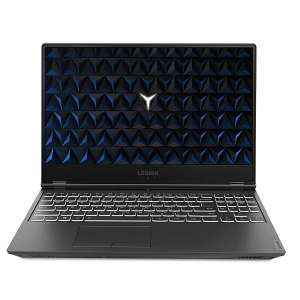
Legion by Lenovo is a dedicated gaming emblem from Lenovo with aesthetics and specifications tailored to game enthusiasts. Even though the specifications are broadly speaking similar to the other laptops on this list, we’ve got the extra storage as you get a 256GB SSD in addition to a 1 TB hard disc drive. Summary of specifications: Intel i5-9300H, GTX 1050, 8 GB, 256 SSD + 1 TB HDD, 15.6-inch 1080p.
SPECIFICATION
OS
:
Windows 10 Home
Display
:
15.6-inch screen with (1920X1080) full HD display | Anti Glare technology | 60Hz refresh rate | 250 Nits Brightness | IPS Display
Processor
:
Intel I5-9300H, 2.4 Ghz base speed, 4.1 Ghz max speed, 4 Cores, 8Mb Smart Cache
The ASUS TUF Gaming series is all about making their hardware more accessible, and the FX505DD does just that by combining the Ryzen 5-3550H with the GTX 1050 and even having a high-refresh-rate panel. A recent drop has increased the value of this one-of-a-kind aggregate even further. Ryzen 5-3550H, GTX 1050, 8 GB RAM, 1 TB HDD, 15.6-inch 120 Hz 1080p display.
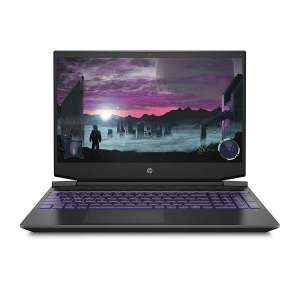
The HP Pavillion Gaming 15 series of laptops come in a wide range of configuration options. The only one we chose is powered by an AMD Ryzen 5-3550H processor and a GTX 1050 graphics card. This makes this one-of-a-kind SKU one of the best AMD-based configurations we could find. Summary specifications: Ryzen 5-3550H. GTX 1050, 8 GB RAM, 256 SSD + 1 TB HDD, 15.6-inch 1080p display.
SPECIFICATION
OS
:
Windows 10 Home
Display
:
15.6-inch Full HD (1920 x 1080) anti-glare IPS display | 60Hz refresh rate | 250 Nits Brightness
Processor
:
AMD Ryzen 5-3550H Quad-core processor (2.1 GHz base clock speed, up to 3.7 GHz max boost clock speed, 6 MB cache, 4 cores)
In terms of performance, the ASUS TUF Gaming FX505DY is quite close to the FX505DD. The Graphics card which is AMD RX 560X, and the display is a 60 Hz 1080p panel are the key differences between them. Specifications in summary: Ryzen 5-3550H, RX 560X, 8 GB RAM, 512 SSD, and a 15.6-inch 1080p display.
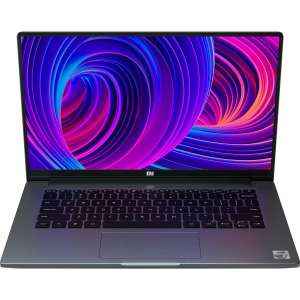
Xiaomi is the most latest company to release a laptop in India that is powered by an Intel Core i5-10210U processor and an NVIDIA MX350 GPU. As long as you keep the game settings to low or medium, you can play a few games on the MX350. Both the CPU and the GPU are designed for power efficiency rather than long gaming sessions. Summary configuration: Core i5-10210U, MX350, 8 GB RAM, 512 SSD.
SPECIFICATION
OS
:
Windows 10 Home
Display
:
Horizon Display|14-Inch (1920X 1080 )Full HD Anti-Glare Screen
Processor
:
Intel Core i7-10510U processor, 1.8 GHz base speed, 4.9 GHz max speed, 4 Cores, 8 threads



 OS: WINDOWS 10
 DISPLAY: 15.6″ (1920 X 1080)
 PROCESSOR: 9TH GEN INTEL CORE I5 | 2.4 GHZ
 MEMORY: 8 GBGB DDR4

 Eduindex
You must be logged in to post a comment.